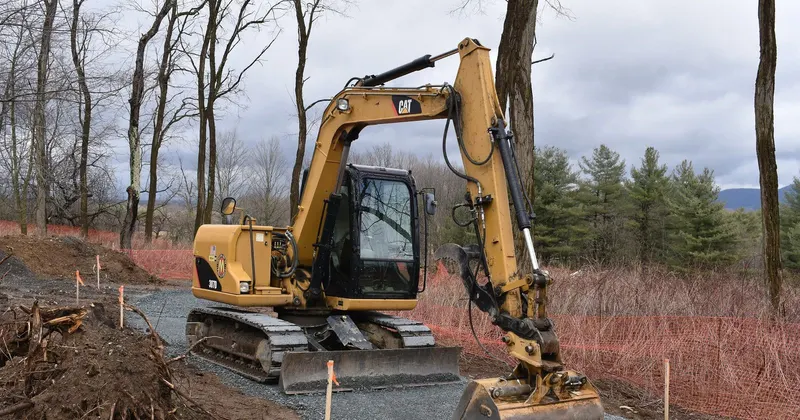
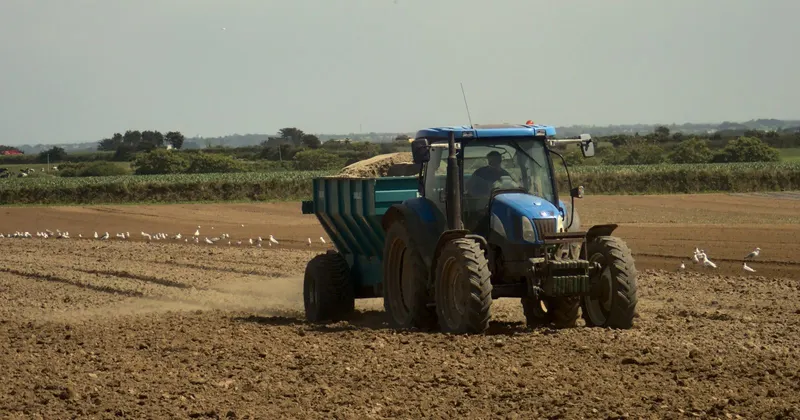
On a farm with several holdings, or in a company that carries out agricultural work for third parties, tractors and equipment move from one plot to another, change drivers and spend days in the field. Knowing where each machine is, how much it works and how much it costs stops being simple as soon as you have more than two or three. This article suggests an orderly way to keep that under control: what data to collect, where it comes from and how to use it to allocate costs, plan maintenance and never miss an ITV (roadworthiness test).
Why track machinery use
A tractor standing idle in the shed costs money even when it is not working: insurance, depreciation, servicing. And one that works a lot costs even more: fuel, wear, breakdowns. Keeping track helps you to:
- Allocate costs between farms, crops or customers, and know which jobs are actually worth it.
- Charge properly for work done for third parties, if you provide services with your machinery.
- Plan maintenance based on how much each machine really works.
- Decide whether you need another machine, whether one is surplus or whether it is worth replacing one that costs too much.
- Protect your machinery against theft and uses you have not authorised.
Working hours: where they come from
For agricultural machinery, use is measured mainly in engine hours, not kilometres. A tractor can spend a whole day ploughing without covering much distance. That is why manufacturers usually set servicing by hours, and why hours are the usual unit for calculating costs.
There are two common sources:
- The machine's own hour meter. Note the reading at the start and end of each job, or at least once a week. It is the figure that rules for maintenance.
- The work report. A simple record of each task: date, machine, driver, farm or customer, task carried out and hours. It is what lets you allocate costs.
The important thing is that the two match. If the hour meter says a tractor has worked 40 hours in a week and the reports only add up to 30, you need to find out where the other 10 went. The figures are an example, but the check is always useful.
Location: knowing where each machine is working
With several farms, the question of where each machine is comes up every day: to organise the working day, to take fuel or a spare part out, or to send someone to pick it up. Location also helps to check work reports:
- If the report says work was done on a farm and the machine's route confirms it, the data is solid.
- If there is a trip that does not appear in any report, it is time to ask questions.
- If a machine goes for days without moving, it may be surplus at that time of year.
Road journeys between farms also use up time and fuel without producing anything. Seeing where each machine moves helps you organise tasks so that it makes fewer empty trips.
Costs and cost of each machine
The other side of control is expenditure. For each tractor or piece of equipment, it is worth adding up:
| Type of cost | Examples |
|---|---|
| Fuel | Every refuelling, with its date and amount. |
| Maintenance | Oil and filter changes, greasing, tyres. |
| Repairs | Breakdowns, parts, workshop labour. |
| Fixed costs | Insurance, ITV, taxes. |
Dividing the cost by the working hours gives you the cost per hour of each machine, which is the benchmark for comparing one with another and for pricing jobs. If the machine also travels on the road, the cost per kilometre helps you see how much the transfers add up to.
The ITV for tractors
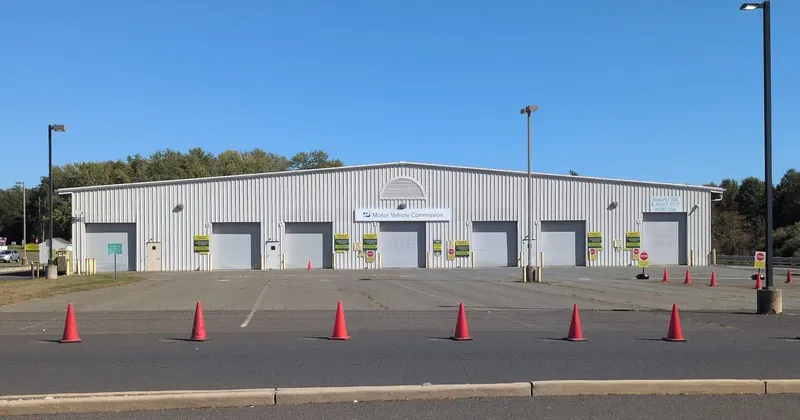
Tractors and a good part of agricultural machinery must also pass the ITV. Under article 6 of Real Decreto 920/2017 (the Spanish royal decree regulating vehicle roadworthiness inspections):
- Agricultural or forestry tractors with a maximum design speed above 40 km/h: exempt up to 4 years old, every two years from 4 to 16 years and annually from 16.
- Other agricultural or forestry tractors, self-propelled machines (except single-axle ones), special trailers, towed machines and tractor-carriers: exempt up to 8 years old, every two years from 8 to 16 years and annually from 16.
Age is counted from first registration or entry into service. With a fleet of machines of different ages, each one has its own calendar, so it is best to have the dates noted well in advance.
Common mistakes
- Noting hours from memory at the end of the week. Reports are filled in the same day or they are lost.
- Not separating costs by machine. If all the diesel goes to a shared account, you do not know which tractor uses the most.
- Forgetting equipment without an engine. Implements and trailers also have costs and, in some cases, an ITV.
- Leaving machines in the field unmonitored. A machine that spends the night on a remote plot is an easy target.
How Geotrackr helps
Geotrackr works for tractors and all kinds of agricultural vehicles and equipment. Each machine carries an installed GPS tracker and you see it on the map in real time from the Android and iOS app or from the web dashboard, so you know where each one is working. The route history shows you where each machine has moved and where it has stopped, with a downloadable report for each route, so you can compare it with the work reports.
Refuelling, repairs and any invoice are assigned to the right machine in the costs for each vehicle, with the annual cost and the cost per kilometre. Engine hours still come from the hour meter and your reports. And the documents with alerts feature stores the insurance, the ITV and any other document with its expiry date, and warns you before it expires.